
 admin
adminJewellery is among the most demanding categories in visual content: mirror-like metals, high-refractive gemstones, micro details, and delicate proportions leave no room for error. Consumers expect clarity and luxury at a glance, while brands need speed, consistency, and scale across campaigns, e-commerce, and print. A modern jewellery content creation tool bridges these needs by turning sketches, CAD files, or product photos into studio-grade assets without the time and cost of traditional shoots. By combining an intuitive drag-and-drop studio with AI-powered rendering and smart editing, the right platform can produce launch-ready images in 2K and 4K, optimize them for every channel, and maintain brand precision from the first concept to the final packshot.
What Today’s Jewellery Content Creation Tool Must Deliver
High-performing jewellery visuals begin with accuracy. A professional tool must faithfully represent precious metals, finishes, and stones. That means physically aware lighting, material controls for gold karats and plating, and gemstone properties that simulate dispersion, brilliance, and scintillation. When a diamond’s fire looks flat or a polished shank lacks a pleasing gradient reflection, consumers sense the difference immediately. The best solutions include material presets and fine-grain controls so art directors can tune highlights, shadows, and caustics until the piece feels truly photorealistic.
Speed is just as critical. Launch calendars do not wait for studio logistics, couriers, and retouching backlogs. A next-generation AI-powered platform should accept multiple inputs—sketches, CAD files, and quick smartphone shots—and convert them into consistent assets in minutes. Bulk actions are a must: batch background removal, uniform cropping for PDP grids, shadow refinement, and instant variant creation for colorways, stone swaps, or metal changes. Templates for hero shots, angled packshots, and collection flat-lays help teams preserve a unified look across seasons.
Channel-readiness separates good from great. E-commerce demands clean packshots on white or light gray, precisely centered with subtle natural shadows. Social media favors bold lifestyle scenes and text-safe layouts. Print needs higher resolution, higher DPI, and color-managed exports. A powerful jewellery content creation tool supports 2K and 4K renders, transparent PNGs for compositing, layered TIFFs for retouching, and metadata conventions that keep large libraries organized. Bonus points for presets tailored to marketplaces and retail partners, helping teams meet platform-specific background, margin, and file-size standards without manual guesswork.
Finally, realism is not only about pixels; it’s about context. The ability to place pieces on believable hand, ear, neck, and wrist models—while maintaining accurate scale and drape—shapes purchase confidence. For example, chain fall should match length (16/18/20 inches), ring fit should look natural across sizes, and clasp orientation should be correct for left/right wear. With controls for pose, skin tone, and lighting rigs, teams can build inclusive, on-brand galleries that reflect real buyers and real-life wearing moments—without booking a physical shoot.
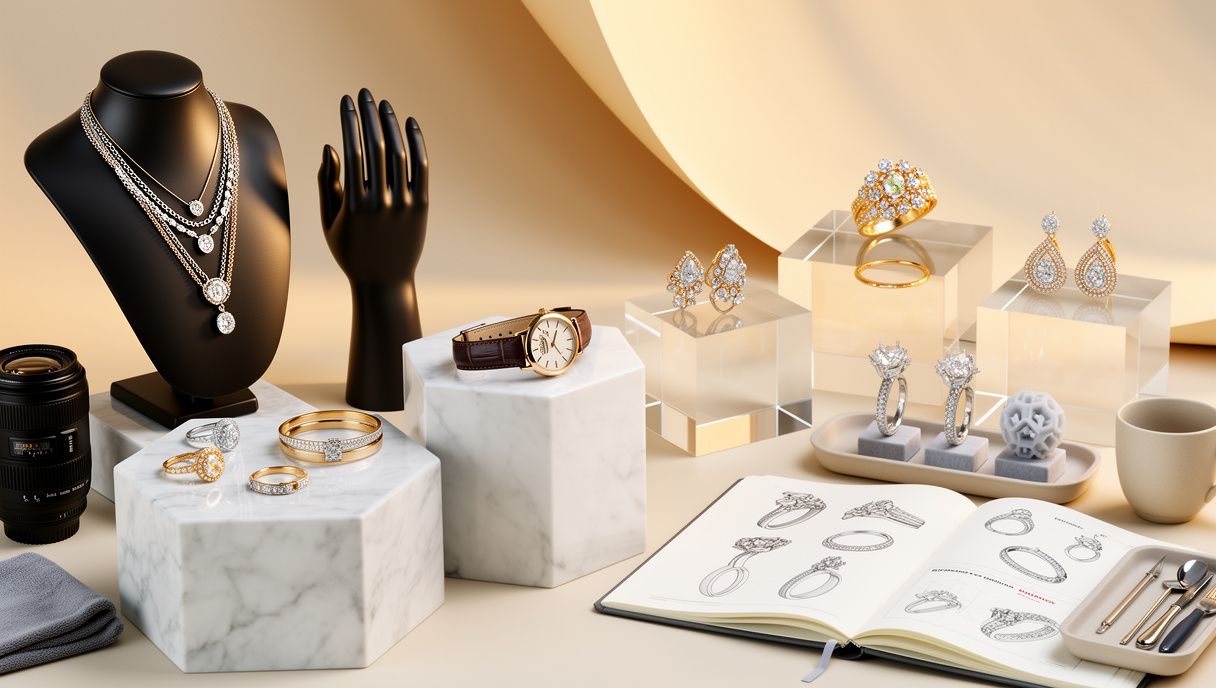
Real-World Workflows: From Idea to Campaign Without a Photoshoot
Consider a designer preparing to unveil a 12-piece capsule collection. The designs exist as CAD files, with a few bench samples still in finishing. Instead of waiting weeks for plating, transport, studio scheduling, and reshoots, the team imports the CAD models into a virtual studio. From there, they generate a master angle and a secondary angle for each SKU, build color variants for rose, yellow, and white gold, and preview gemstone options. By comparing renders side by side, the merchandiser finalizes an assortment that balances cost of goods with visual impact—then exports retailer-ready PDP images and a hero banner in a single session.
An artisan with a local boutique faces a different challenge: there is only one photo of a custom ring taken under mixed indoor light. Using smart cleanup and relighting, the tool removes dust, corrects color casts, and rebuilds a gentle, realistic shadow. The ring is then placed into multiple lifestyle scenes: a soft matte marble surface for a bridal ad, a velvet tray for Instagram, and a warm wood vignette for a holiday postcard. The artisan also produces on-model visuals to show relative scale on a hand, choosing inclusive skin tones and a natural finger pose. Without calling a photographer, the boutique now has a week of content that looks consistent across channels and seasons.
For enterprise e-commerce teams, velocity is everything. A modern Jewellery content creation tool standardizes production: upload a folder of product shots or CAD exports, apply a brand template (angle, crop, margin, background color), and let batch actions produce a complete PDP set with hero, detail macro, and alternate on-figure shots. The system tracks metadata—SKU, collection, metal, stone—and auto-generates filenames and alt text for SEO. Regional teams adapt content to local preferences: cooler lighting and minimal props for one market, warmer tones and richer textures for another. Because the renders are consistent and editable, last-minute changes—a clasp variant, a new chain length, or a gemstone substitution—no longer derail launch dates.
Even print campaigns benefit from this approach. Creative directors can lock a look in digital proofs—angle, light gradient on a high-polish bangle, gemstone flare intensity—then export 4K and high-DPI files for window displays, in-store cards, and trade brochures. The same scene can be repurposed for social cutdowns and product detail callouts, ensuring continuity between the web, retail, and press coverage. The result is a faster path from concept to reality, fewer revisions, and visuals that persuade at every touchpoint.
Best Practices: Lighting, Materials, and Brand Consistency That Convert
Start with lighting. Jewellery thrives on controlled reflections, so build scenes with softboxes, reflectors, and gradient backdrops that sculpt the metal instead of blowing it out. A virtual three-point setup—key, fill, rim—often provides depth without harsh specular hotspots. Add a gentle HDR environment to introduce believable ambient reflections. For macro detail, longer focal lengths (85–100mm equivalent) with careful depth-of-field create intimacy while keeping prongs and facets crisp. When shooting white metals, use larger light sources to smooth micro-scratches; for stones, angle the key light to reveal facet patterns and reduce dead zones.
Materials come next. Use accurate IOR values and dispersion settings for gemstones, and ensure micro-roughness maps capture brushed, satin, or hammered finishes. For gold and platinum, surface imperfections and subtle anisotropy deliver realism without overdoing texture. If your tool supports cross-polarization emulation, try it to manage stubborn highlights on highly polished pieces. Always preview at final output size because compression can accentuate banding or fine aliasing on chain links and pavé settings.
Build repeatability into your process. Create templates for common shots: straight-on rings, 45-degree earrings on a stand, clasp close-ups, necklace drape on a bust or on-model. Lock in consistent angles, margins, and naming conventions so collections line up in category pages and comparison charts. Save scene presets with standardized exposure, white balance, and backdrops, and define export profiles for web (sRGB JPEG/WebP) and print (TIFF or high-quality PNG, embedded ICC). Keep an eye on color management when moving between screens and printers—calibrated monitors and soft-proofing prevent surprises, especially for stones with strong hue shifts.
Plan with the buyer journey in mind. PDPs need clean packshots with true-to-size cues; add contextual on-figure images to solve scale anxiety for rings, studs, and huggies. Social needs narrative: pair hero shots with lifestyle scenes that suggest occasion, styling, or gifting moments. Leave negative space in compositions for headlines and price tags, especially if assets will be repurposed in ads. For inclusive representation, diversify on-model skin tones and hand sizes, and ensure wear details—like ear side or chain length—are accurate. Finally, measure outcomes: track engagement lifts from improved lighting, variant coverage, or angle choices, and refine your templates accordingly. The strongest workflows combine creative excellence with operational discipline, turning a complex pipeline into a repeatable engine for high-converting, luxury-grade visuals.

Doha-born innovation strategist based in Amsterdam. Tariq explores smart city design, renewable energy startups, and the psychology of creativity. He collects antique compasses, sketches city skylines during coffee breaks, and believes every topic deserves both data and soul.
